
[ Electronics ] [ All downloads ]
Game Console TVs
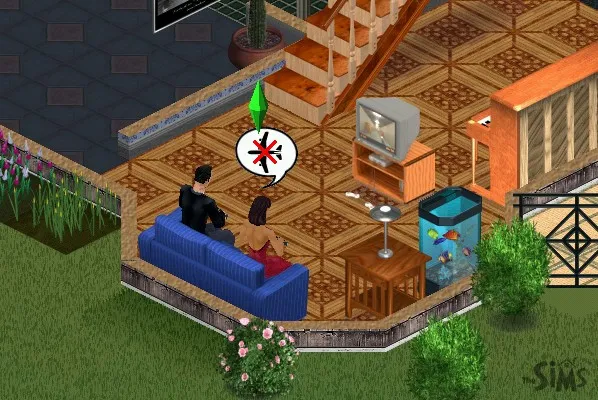
A TV with a game console hooked up. Pick a game from the pie menu and your Sim picks up a controller and plays. It is also a normal TV: pick Watch TV and a channel.
Already have 1.0.x? Unzip over the old files. TVs you already placed update by themselves.
Version 1.1.0
Requires The Sims: Superstar, the Complete Edition, or the Legacy Collection.
- Eight games to pick from, each with its own screen that flickers while your Sim plays.
- Another Sim can join in!
- The TV turns itself off when the last Sim is done playing.
- Watch TV: Action, Horror, Romance and Cartoons. Put a satellite dish on the lot for Discovery, Studio, News and Sports.
- While a Sim watches, any Sim can use Change Channel, Join TV, or start a game. After watching, the TV stays on like a normal TV.
- The text on the TV screens is now Simlish.
Files, credits and more
Trottco 27" Game Console Television P1AY
A CRT on an open cherry cart, console on the middle shelf, two controllers on the floor.
File: tvcrtconsole.iff
Soma Plasma Game Theater
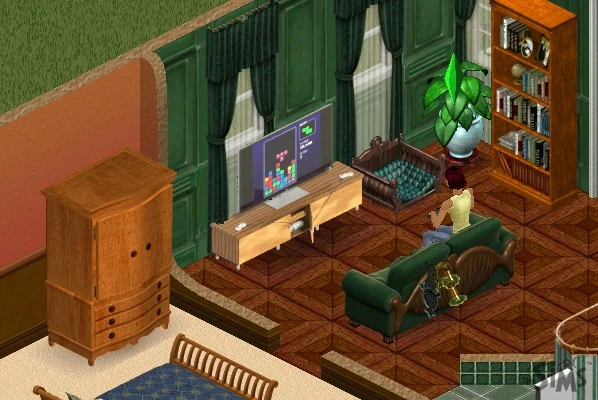
A plasma panel over a walnut media console with the centre door open, showing the console and some game cases.
File: tvflatconsole.iff
Wall-Mounted Game Wall
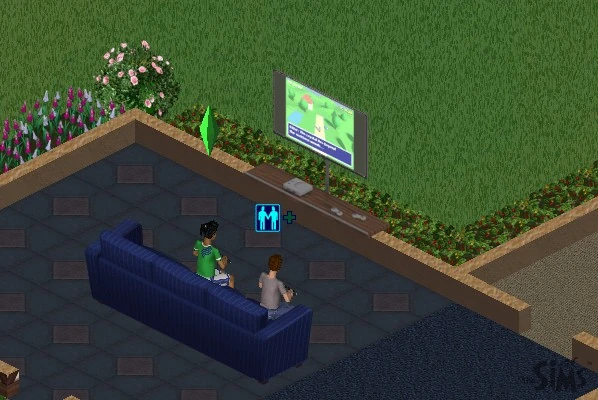
A wall-mounted panel with a floating shelf holding the console and controllers.
File: tvwallconsole.iff
The Simlish text uses the font immajer-Simlish by Immajer (inkandchaos on Mod The Sims). Get it here.
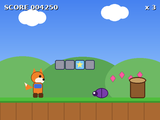 Hoppy Ploppy
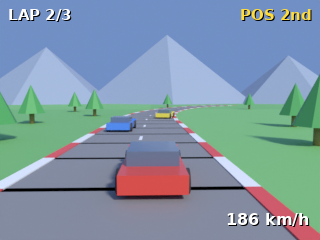
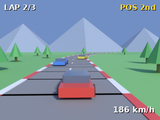 Zoom Zoom Zip
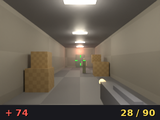 Blasto Bots
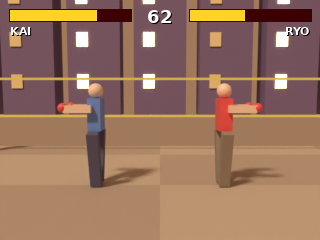
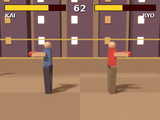 Kung Fu Frenzy
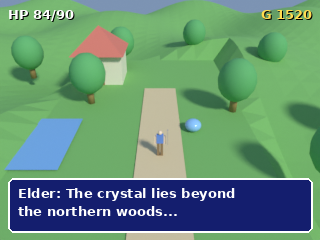
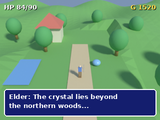 Quest of Sul Sul
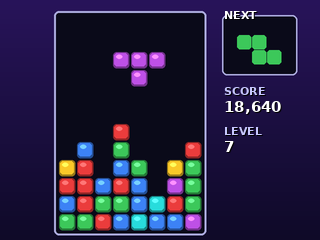
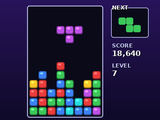 Block Bonanza
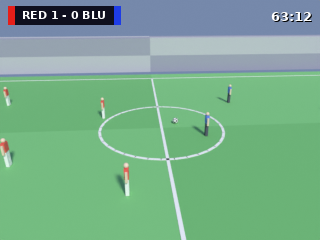
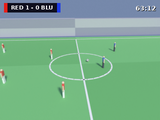 Kickin' Cup
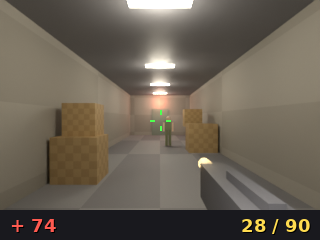
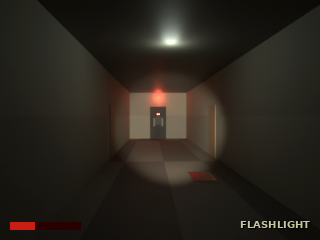
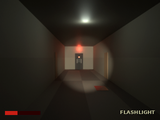 Haunted Hallways
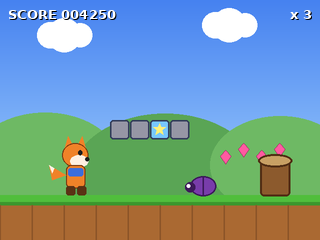
How to install
- Unzip into your Sims 1 installation folder. The folders in the zip match the game's, so everything lands in the right place.